Audit-grade attendance
Attendance you can actually prove.
Geofenced QR check-in. Records nobody can argue with.
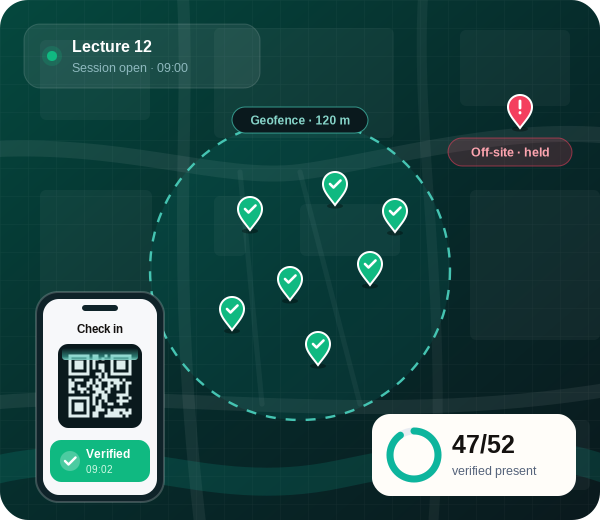
See it live
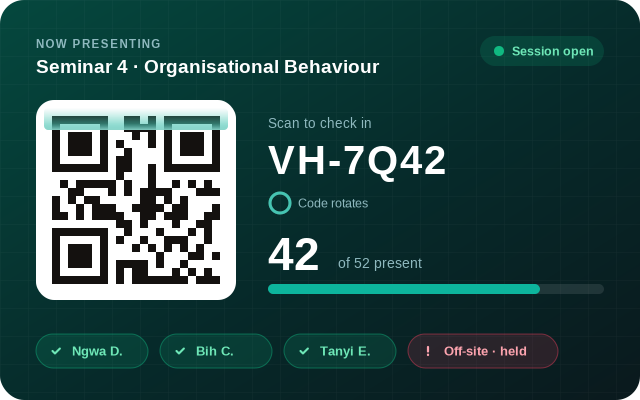
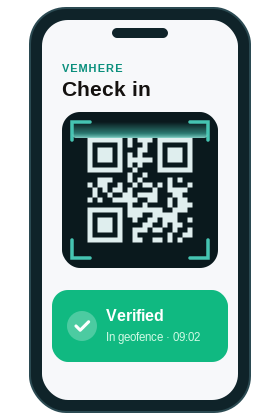
From open to verified in seconds
The platform
Everything attendance needs
-
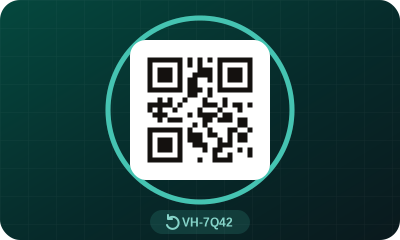
Codes that rotate
A shared screenshot stops working.
-
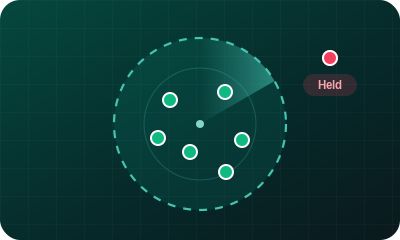
Geofence proof
Off-site scans wait for a manager.
-
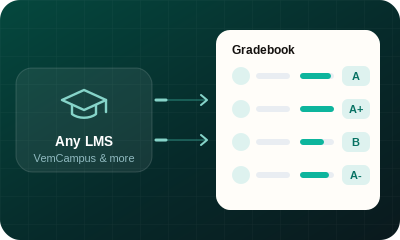
One gradebook
VemCampus or any LMS, pulled in beside attendance.
-
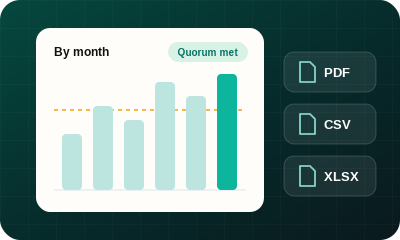
Reports in one click
Hours, quorum and CPD as PDF, CSV or Excel.
How it works
Three steps
-
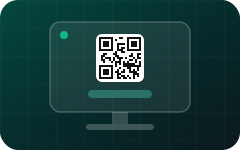
1 Open a session
-
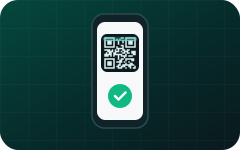
2 People scan
-
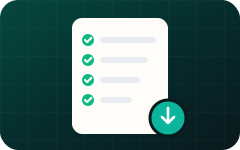
3 Export the proof
Solutions
Made for your sector
Education
Attendance beside every grade
Lectures and labs, with your LMS activities in one gradebook.
Start with this templateAssociation
Quorum you can certify
AGMs and committees, CPD hours logged for you.
Start with this templateChildcare
Know who signed each child in
Check-in and check-out, a guardian on file.
Start with this templateGovernment
Mandated attendance, on record
Records built to survive an audit.
Start with this templateHealthcare
Compliance hours, verified
Mandatory training for clinical staff.
Start with this templateIntegrations
Part of the Vem family

FAQ
Questions, answered
How does the geofence work?
A check-in outside the session’s area is held until a manager approves it.
Can people share the QR code?
No: the code rotates, the geofence catches off-site scans, and one phone marking several people is flagged.
What can I export?
Session, hours, quorum and CPD reports, a minutes sheet and the gradebook, as PDF, CSV or Excel.